
Event check-in
From invitation to badge — no lines, no paper.
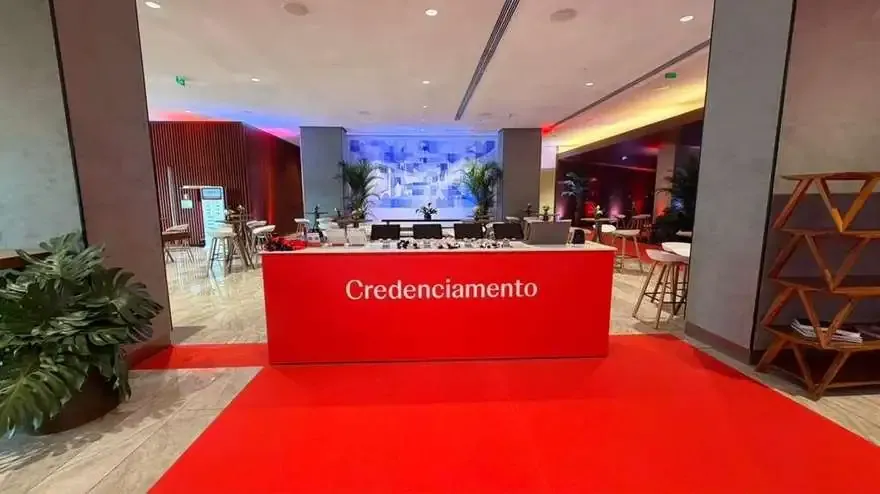
Online pre-registration, QR codes delivered on WhatsApp, validation at the door and badges printed automatically — with attendance updated in real time.
How it works
Four steps. One system.
From registration to the badge on the lapel, everything runs on the same database — no stray spreadsheets and nothing typed twice.
-
Before the event
Pre-registration
A registration page with the event’s branding — or your guest list, imported.
-
Before the event
QR code on WhatsApp
Automatic confirmation with the event details and each guest’s personal credential.
-
On the day, at the door
Validation at the door
The QR is scanned at reception and attendance is logged at that very moment.
-
On the day, at the door
Badge on the spot
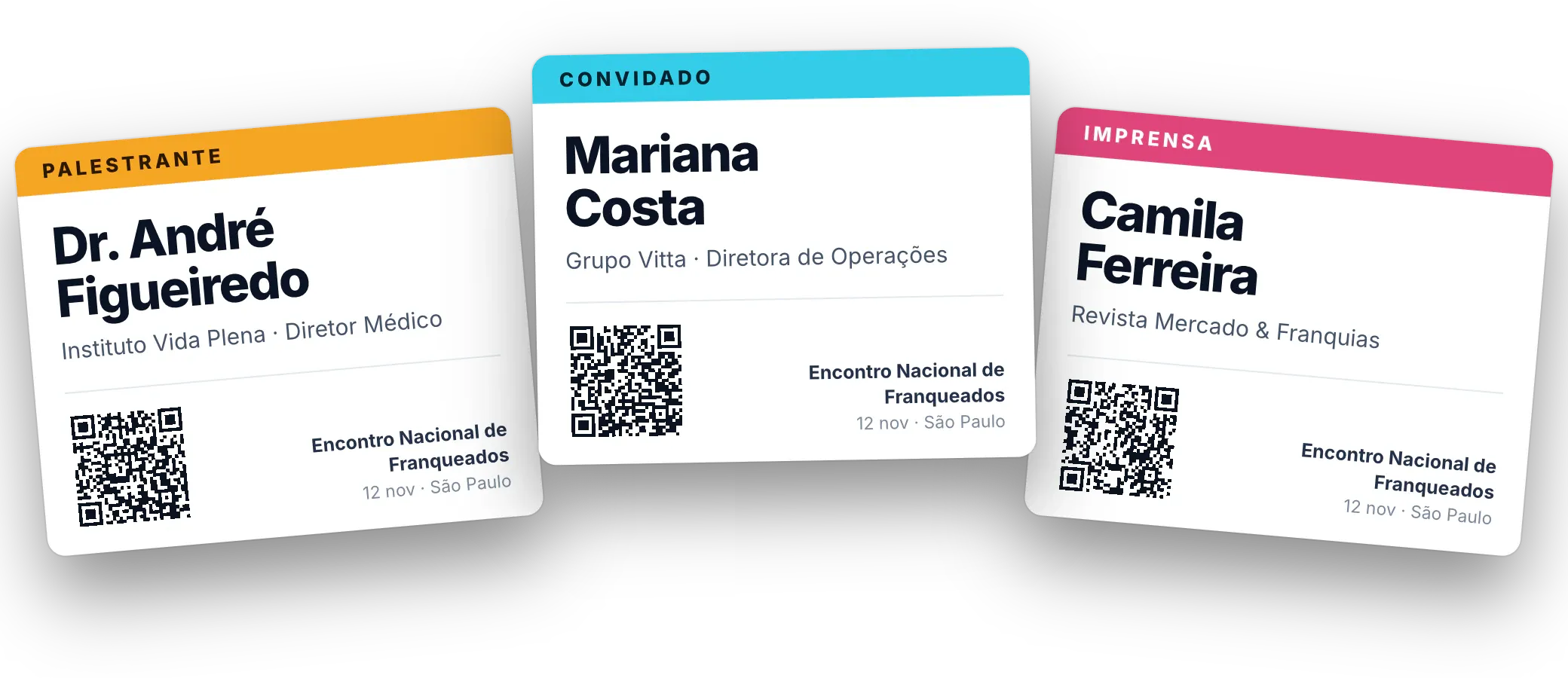
The label prints as soon as the QR is validated, with name, company and category color.
Step 1 · Pre-registration
Registration happens before the event.
A single link — which can become a QR code on the invitation, in the email or on social media — opens a page with your event’s branding. Guests fill it in on their phone in under a minute.
Custom fields
Company, job title, category, dietary restrictions, branch: you choose what to ask.
Already have a list?
We import your spreadsheet and credentials are created without anyone having to sign up.
Privacy compliant
Consent is recorded and data is used only for event check-in, in line with Brazil’s LGPD.
Step 2 · QR code on WhatsApp
The credential lands where everyone looks.
No PDF lost in the inbox and no app to install. Once registration is confirmed, the guest gets the event message on WhatsApp, with a QR code that works as the ticket.
Reminder the day before
Time, address and what to bring — fewer late arrivals and no-shows.
Resend in one click
New phone or deleted chat? The team resends the credential right away.
Two-way conversation
Guests reply in the same chat and talk directly to the organizers.
Step 3 · Validation at the door
At the door, just show the QR.
On the phone screen or printed. The system checks the credential, logs attendance and sends the badge to the printer — no typing involved.
Unique, personal credential
Each QR belongs to one person and logs every entry.
Works offline
The list lives on the device: if the network drops, the line keeps moving.
-
Access granted
Valid credential, first entry: attendance logged and badge sent to the printer.
-
Already checked in
The screen shows when and where the person came in — handy for re-entry, and it stops shared screenshots.
-
Not found
Arrived without registering? They are signed up right there and the badge prints all the same.
Step 4 · Badge on the spot
The label prints itself, with the right name.
As soon as the QR is validated, the thermal printer is already printing. Guests pick up their badge at the desk and walk in — no hunting for their name on a table.
Layout by category
Colors, client and sponsor logos: each profile gets its own design.
Reprint in two taps
Torn or forgotten badge? Reception reprints it without re-registering.
No wasted badges
Badges are printed only for people who show up — no more boxes of badges for no-shows.
Real-time attendance
Who’s inside, right now.
The dashboard updates with every scan: checked-in guests, arrival curve, latest entries and attendance by category — on a phone, backstage or in the client’s room.
Same-day report
Attendees, no-shows and each guest’s arrival time, in Excel.
Arrival curve
Shows where the line got tight and helps size the next event.
CRM-ready data
Confirmed contacts go back to your system, with consent recorded.
Illustrative screens with fictitious data, in Portuguese. Tap a screen to enlarge.
Operations
What Projetech brings to your event’s door.
Equipment, network and crew — set up in advance and tested with the real guest list before the first guest arrives.
-
Tablets with scanners
Staff validating QR codes in line, before guests even reach the desk.
-
Thermal printers
Connected to the system: the label prints when the QR is scanned.
-
Dedicated network
No reliance on the venue’s Wi-Fi, with a backup connection.
-
On-site crew
Operators at the desk and a coordinator watching the dashboard.
-
Offline mode
If the internet goes down, check-in carries on as usual.
-
Early setup
Entry points set up and tested before the doors open.

Shall we check in your next event?
Tell us the date, the venue and the expected number of guests. We’ll come back with the check-in plan: entry points, equipment and crew.